
New wallpapers every Saturday
Lock Screen Club
You check your phone dozens of times a day. Let it point you to something true. Every Saturday we add a fresh set of Scripture wallpapers to the vault, free for Pour Over readers.
- In the vault
- 3 wallpapers
- Next drop
- Sat, Oct 31
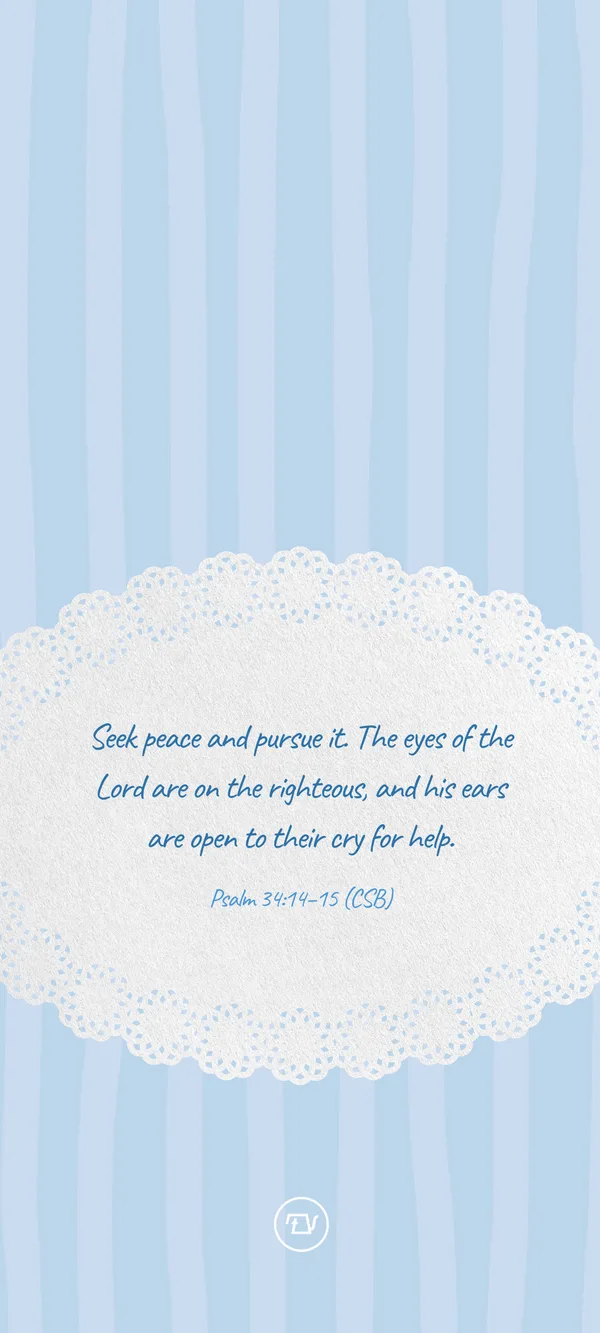
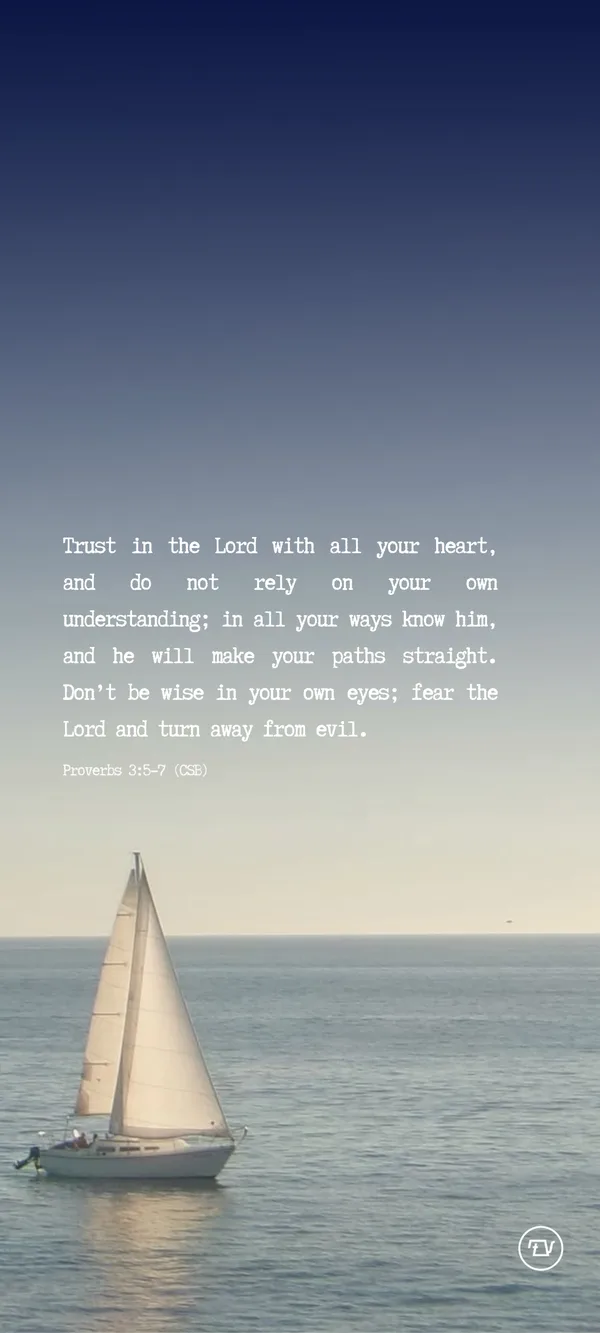
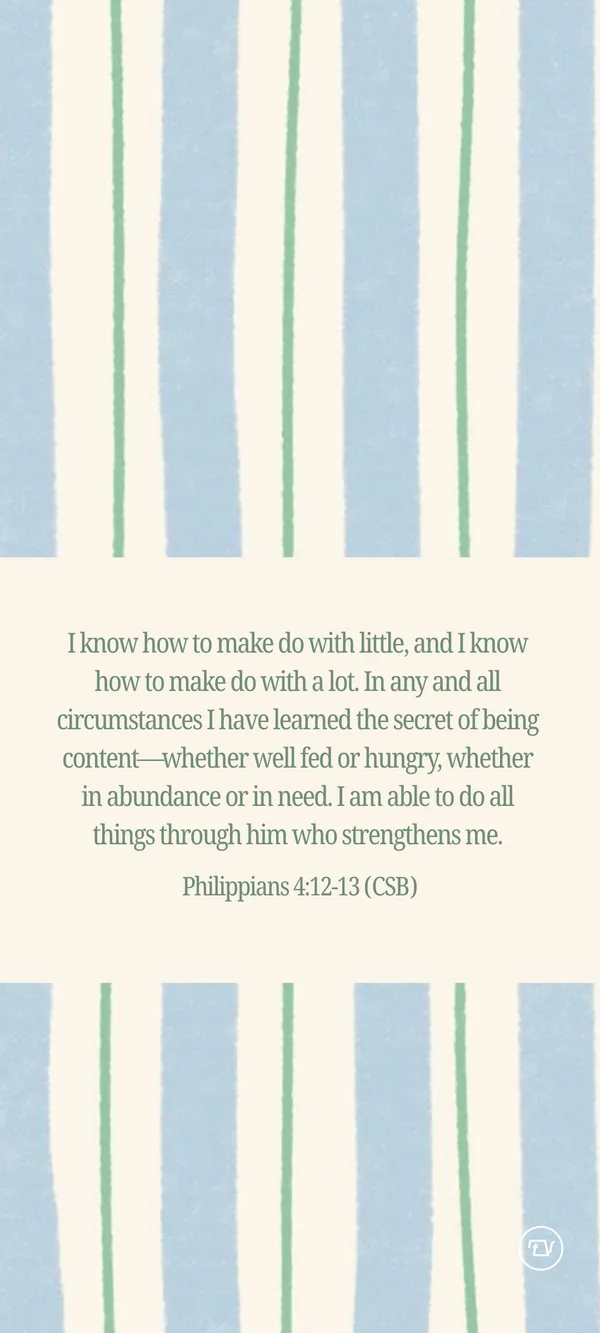
This SaturdayDrop 01 · October 24, 2026
Peace, trust, and enough
Three verses for a busy week: seek peace, lean on God, and find that what you have is enough.
Members save free
Join once. Save every wallpaper.
Enter your email to unlock full-size downloads of the whole vault, now and every Saturday after. Already get The Pour Over? Use the email you read it with.
Free. You'll get The Pour Over newsletter. Unsubscribe anytime.
The vault
Every past Saturday
The vault starts today.
Each week's set moves here when the next one drops. Come back Saturday, October 31 for Drop 02.
How to set your wallpaper
On iPhone
- 1Tap a wallpaper, then Save wallpaper.
- 2In the share sheet, tap Save Image. It lands in Photos.
- 3Open it in Photos, tap the share button, and then tap Use as Wallpaper.
- 4Pinch to fit, tap Add, and choose Set as Wallpaper Pair or Customize Lock Screen.
On Android
- 1Tap a wallpaper, then Save wallpaper.
- 2Save the image to your phone when asked.
- 3Open it in Photos or Gallery, tap the three dots, and then tap Use as or Set as wallpaper.
- 4Pick Lock screen, Home screen, or both.